Clip Kitfrom NightPublish · $19 once

Clip Kit · $19 once

Make the clips yourself.

You've watched a hundred stream clips on Shorts and TikTok and thought you could run a page like that. This is the setup we use to make ours. It finds the moment in a long stream, cuts it, makes it vertical, adds captions and a hook, and saves an MP4 you can post.

macOS free tools runs on your computer 29 files
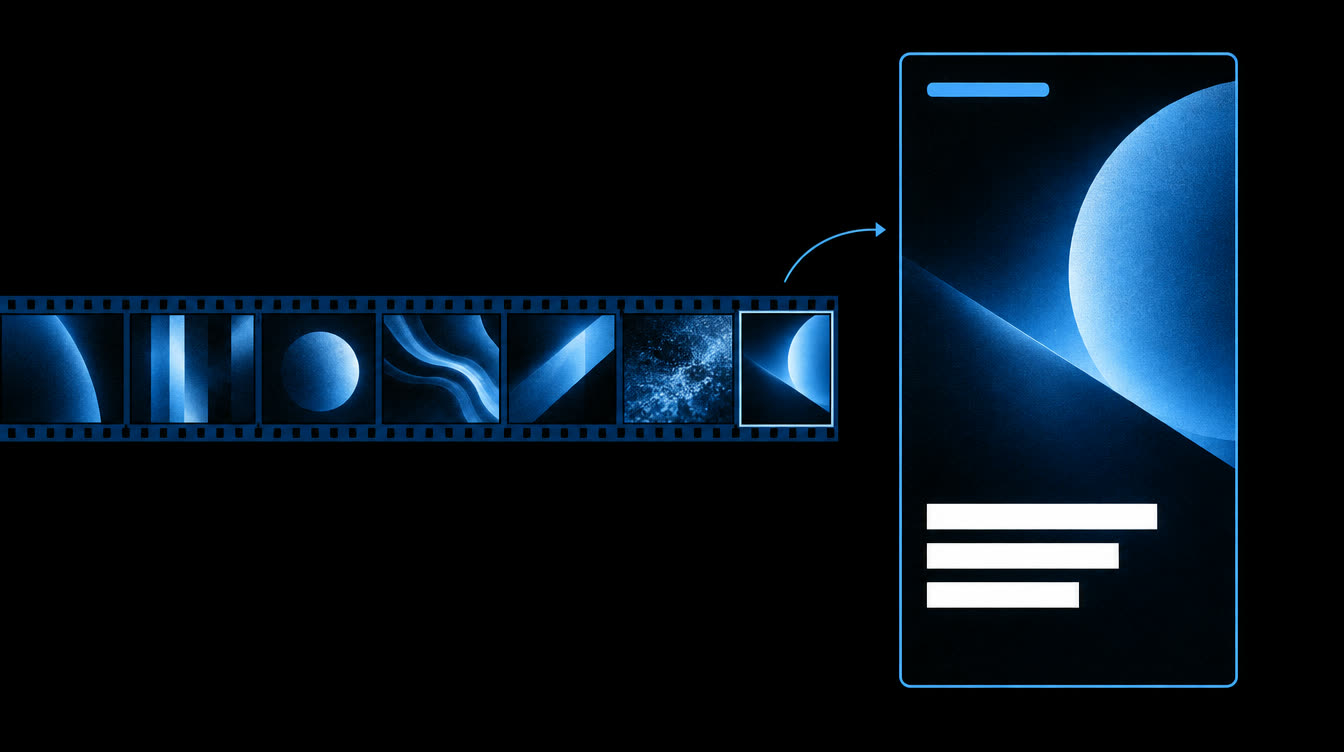
A strip of video frames from a long stream, with one frame pulled out into a tall vertical clip with caption bars

How it works

From a 6-hour stream to a 40-second clip.

one clip · start to finish6 steps
  1. Point it at a streamerPaste the link to their VOD page on YouTube, Twitch or Kick into one config file.
  2. It reads the stream for youYouTube VODs come with free captions. Twitch and Kick VODs get transcribed on your Mac, about 10 minutes for a 4-hour stream on an M1.
  3. It shortlists the good partsIt ranks every stretch of the stream by how fast people are talking, hype words and repeated lines, then shows you the text so you can pick the moment.
  4. It cuts only that partYou give it a start and end time and it downloads just that section, not the whole stream.
  5. It makes the editJump cuts where you tell it, a 9:16 crop that follows the centre (or a blurred background if the action is wide), word-by-word captions, a hook line for the first few seconds, and the volume levelled for phones.
  6. You check it and post itA contact sheet shows the frames side by side so you can catch a bad crop before you post. Upload it yourself, or let the optional Claude Code skill schedule it through Blotato after you approve.

What you need

A Mac and an afternoon.

Optional, and paid by you if you want them: Claude Code, which can pick moments and cut edits for you with the included skills. Blotato, for scheduling posts to YouTube, TikTok and Instagram. Apify, for watching TikTok and Instagram clip pages. You can make clips without any of them.

What's in the zip

The price

$19. Once.

$19one time · no subscription

Instant download after checkout. 29 files, about 110 KB. Use it on as many of your own pages as you like.

Get Clip Kit · $19

Limits. This won't get you views or money on its own. Most new clip pages get very few views for weeks, and some never take off. Clipping someone else's stream is only OK when you follow the platform's rules and the creator's. Call your page a fan page and say it isn't affiliated. No support is included. If the download breaks or you change your mind within 30 days, reply to your Stripe receipt.

Questions

Before you buy.

Will this get my page views?

We can't promise that. The kit makes the editing faster. Views come down to the moments you pick and how often you post, and luck plays a large part. Many new clip pages get very few views for a long time.

Is it legal to clip streamers?

It depends on the creator and the platform. Many streamers welcome clip pages and some run paid clipping programs with their own rules. Others don't want them. Check before you post, credit the creator, call it a fan page, and never reupload someone else's edit. If a creator or platform asks you to take something down, take it down.

Does it work on Windows?

Not as shipped. It's built and tested on macOS. The Python parts would probably run elsewhere, but the font and setup steps assume a Mac, and we haven't tried it.

Do I need to pay for anything else?

No. Everything needed to make clips is free. Claude Code, Blotato and Apify are extras for automating the picking and posting, and they bill you directly if you choose them.

How is this different from the NightPublish licence?

NightPublish is a $149 pipeline that makes whole faceless YouTube channels with AI and runs paid services every night. Clip Kit is much smaller: it cuts clips from real streams that already exist.

What if something goes wrong?

Reply to your Stripe receipt. We'll fix a broken download, and we refund within 30 days if you ask. There's no help with setup at this price.

Clip Kit has no connection to any streamer, platform or clipping program. Platform names are used only to say what the tool works with.